Your Podcast Audio Clipped. What Can Actually Be Saved, and the Gain Setting That Stops It
Clipped audio is the one recording fault editing cannot undo. What mild clipping can survive, what cannot, and the gain setting that prevents it.
By Podcaster Signal · Published 2026-11-12
QUICK ANSWERClipping happens when the signal is louder than the recorder can hold, and the top of the waveform is cut flat. Riverside states plainly in its help center that clipping generally cannot be fixed by editing. Mild, brief peaks can sometimes be softened with a de-clip tool. A passage that stayed clipped is gone and has to be recorded again. Prevention is a gain setting, not an edit. Set the input so a normal speaking voice peaks between minus 12 and minus 6 dB, test at your loudest laugh, and leave the rest of the headroom empty.
What clipping actually is
Every recorder has a ceiling. In digital audio the ceiling is 0 dBFS, and a sound that tries to pass it does not get louder. It gets flattened. The waveform develops a flat top and flat bottom, and the voice takes on a harsh, crunchy edge that listeners hear as damage, because it is damage. The information above the ceiling was never recorded, and no tool can know what it was.
That is why the honest answer to the most common version of this question is a hard one. Buzzsprout built a Five Minute Monday episode around a listener asking whether distorted audio can be fixed or has to be recorded again, and Riverside answers the same question for its own users. Both land in the same place. Editing can hide a moment. It cannot rebuild a passage.
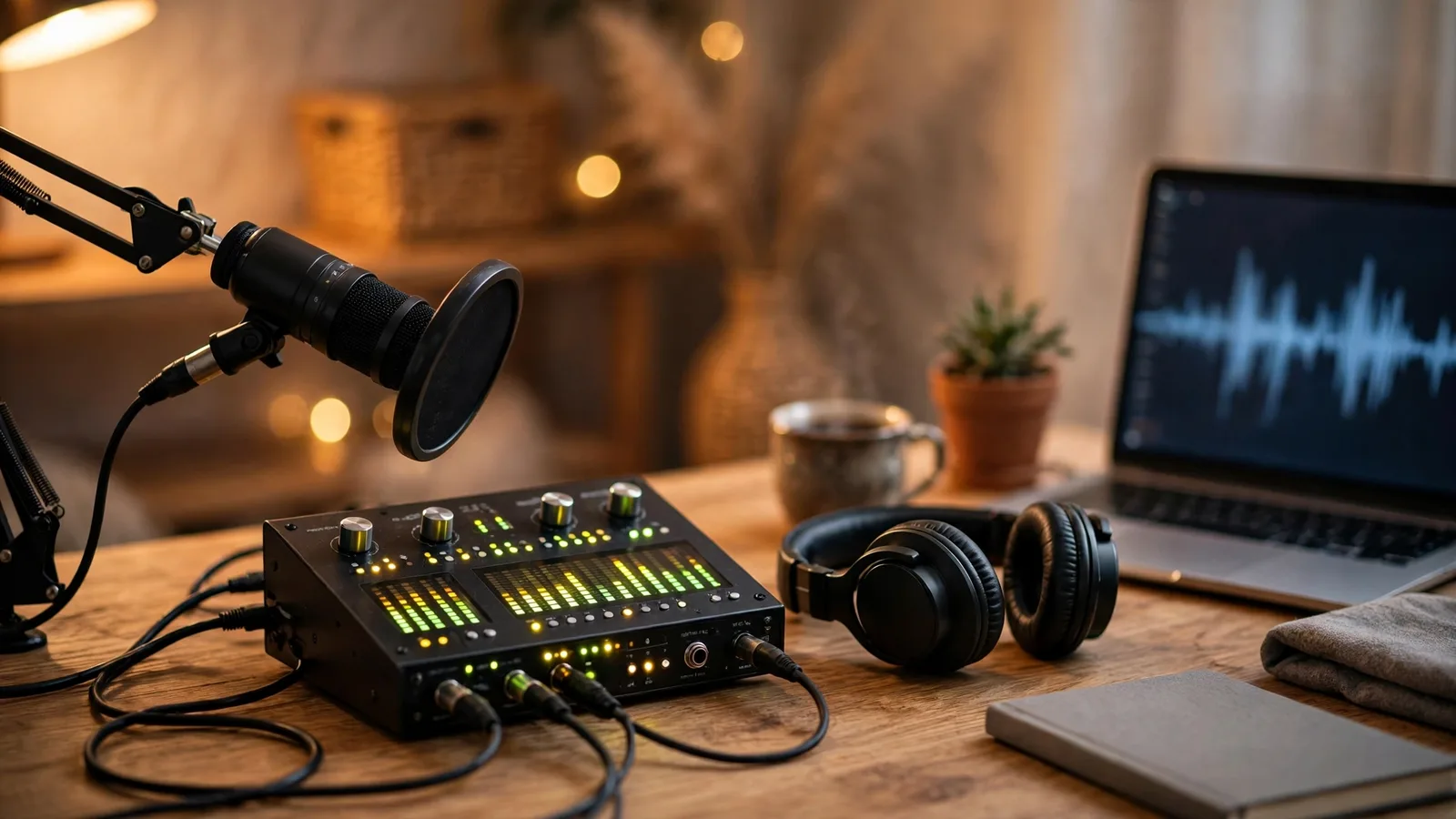
What can be saved, and what cannot
A few clipped peaks in an otherwise clean recording are the best case. De-clip tools in editors such as iZotope RX estimate the missing tops of the waveform, and on short peaks the result can pass unnoticed. A single loud word or one laugh can often be rescued this way, or covered by lowering that moment and letting the room tone carry it.
Sustained clipping is the other case. If a whole answer sits flat because the gain was too high for a loud guest, the distortion runs through every word. De-clipping a full passage produces a guess that sounds processed and tired. The working options are to re-record the segment, to ask the guest for a short pickup of the key answers, or to publish with a brief apology note only when the content cannot be had again. For an interview that took weeks to book, a 15 minute pickup call is nearly always worth it.
Set the gain on the loudest thing, not the test sentence
Most clipping is set up in the first minute. The host reads a calm test line, the level looks fine, and then the real conversation gets louder. Voices rise when people get interested. Guests laugh. Hosts lean toward the mic on the point they care about. The gain has to be set for that version of the voice.
Buzzsprout guidance puts a healthy recording level with normal speech peaking between minus 12 and minus 6 dB. Work to that range. Before the interview, ask the guest to say something at full energy, the kind of laugh or emphasis they use mid story, and set the level against that sound. Watch the meter during the first two minutes of the real record and turn the input down if peaks crowd the top. A recording that peaks at minus 8 dB can be raised in editing with no harm. A recording that hit the ceiling cannot be lowered back into shape.
The checks that catch it early
Listen on headphones while you record, not after. Clipping is obvious in headphones at the moment it happens and easy to miss on laptop speakers. Record a local backup track when your platform allows it, and glance at the waveform after the first exchange. A waveform that looks like a solid brick is telling you the gain is wrong while there is still time to fix it. A waveform with clear peaks and valleys is healthy.
Remote platforms add one more trap. If the guest's own device clips at their microphone, the clean cloud copy clips too, because the damage happened before upload. The two line brief you send a guest before recording should include a level line. Ask them to keep the input meter out of the red on their loudest sentence, and to sit a steady distance from the mic.
Good gain is invisible when it works. Listeners never praise headroom. They just stay, because the voice sounds easy and close instead of harsh. More production answers for working podcasters sit on the Podcaster Signal blog.
Frequently asked questions
Can clipped podcast audio be fixed in editing?
Only in the mild case. Riverside states in its help center that clipping generally cannot be fixed by editing. Short, isolated peaks can sometimes be softened with a de-clip tool. A passage that stayed clipped while recording has lost the top of the waveform for good and needs a re-record or a pickup.
What gain level should I record my podcast at?
Set the input so normal speech peaks between minus 12 and minus 6 dB, following Buzzsprout guidance. Test with your loudest laugh or emphasis, not a calm test sentence, because real conversation runs louder than the sound check.
Why does my recording distort when my guest laughs?
A laugh is far louder than speech. If the gain was set on a quiet speaking voice, the laugh passes the 0 dBFS ceiling and flattens. Turn the input down so the laugh stays under the ceiling, and raise the level later in editing if needed.
How can I tell during recording that audio is clipping?
Listen on headphones while recording and watch the waveform. Distortion is audible the moment it happens, and a clipped waveform looks like a solid brick with flat tops instead of separate peaks and valleys.
My guest clipped on a remote recording. Is their track usable?
If the guest's microphone clipped at their device, every copy carries the damage, including the platform's cloud track. Short peaks may soften in repair. Long clipped answers need a pickup recording, so ask for a short follow up call while the conversation is fresh.