One Recording Is a Gamble. The Backup System That Keeps a Failed Upload From Killing Your Episode
Remote platforms record locally, then upload, and a closed tab can take the track with it. Run a second capture every session and lose nothing.
By Podcaster Signal · Published 2026-11-12
QUICK ANSWERRun two recordings on every remote interview. The recording platform is the master, because it captures each person on a separate local track. Beside it, run a second capture for the whole session, your own voice on a local recorder or a full call recording on your machine, and ask the guest to record their own voice on their phone as the last line of defence. After the session, confirm the platform tracks have uploaded before you close anything, and check the backup exists. A backup you start only when something looks wrong starts too late.
How remote recordings get lost
Most remote platforms do not record the call as it travels over the internet. They record each person locally, in full quality, and upload the track when the session ends. That design is why the audio sounds good, and it is also where the loss happens. A guest who closes the tab the second the conversation ends can cut the upload short. A browser crash, a flat laptop battery or a dropped connection at the wrong minute can leave a partial track or none.
The failure stories repeat because the shape is always the same. One published account in podcast consulting circles tells of a Riverside session that captured less than 10 seconds of a dream guest interview, where a separate backup recording saved the show. Hosts tend to build a backup system the week after their first loss. The cheaper order is to build it before.
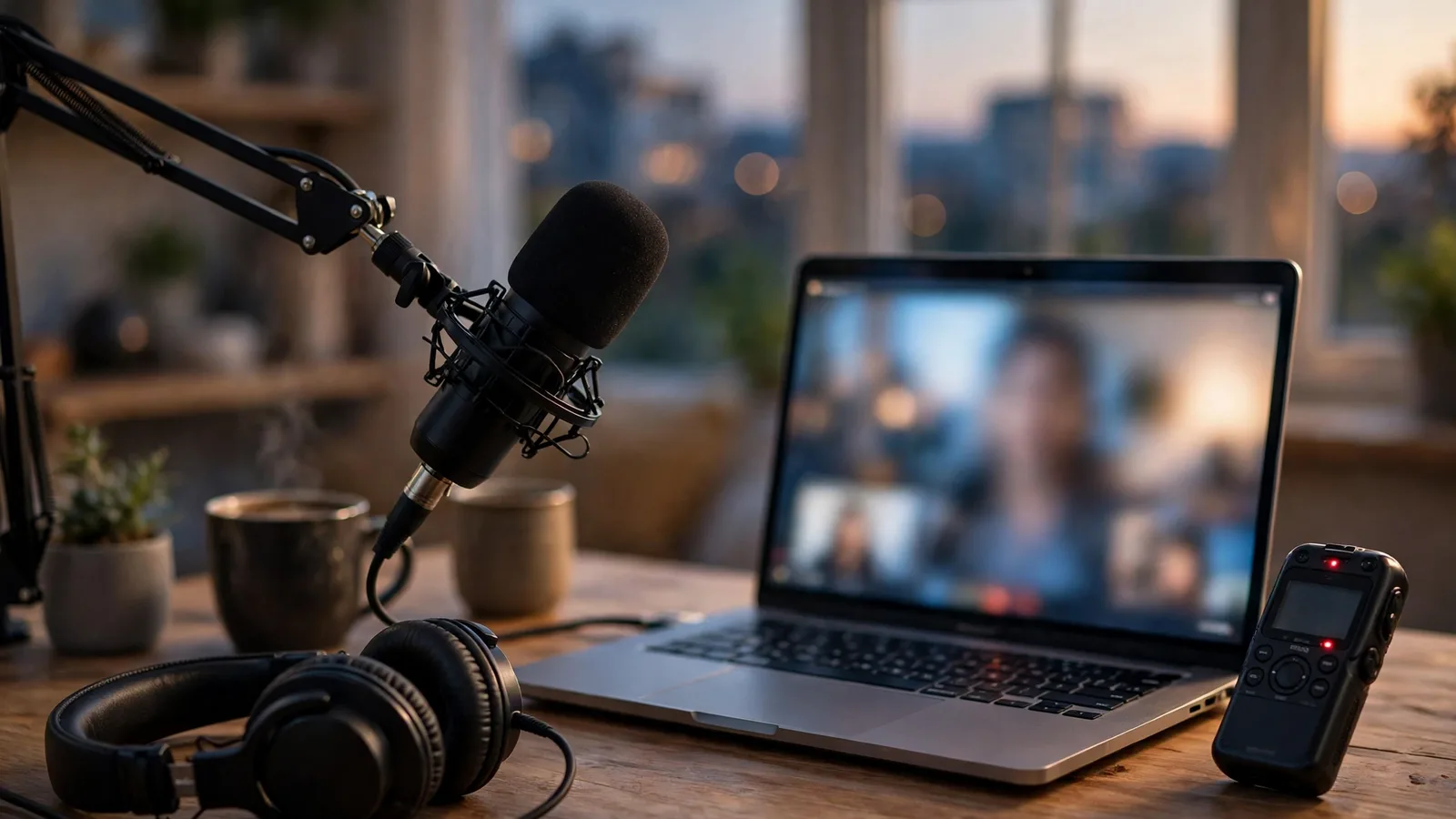
The double system, layer by layer
Layer one is the platform recording, and it stays the master. Separate local tracks for host and guest are the best raw material for editing, so nothing in the backup plan replaces them. Layer two is a capture on your own machine that runs from the first minute. Record your own microphone into a local app or a portable recorder, and record the full call where your setup allows it. This copy is mixed and lower quality, and it exists to save the episode, not to win awards.
Layer three is the guest's own phone. Ask the guest, in the booking email and again before you start, to open the voice recorder on their phone, set the phone near them at arm's length, and record their side of the conversation. A phone recording of one voice, synced to your clean track, repairs almost any platform failure. Most guests say yes in seconds when the ask is one line long and comes before the session, not during a panic after it.
The two minute check after every session
A backup system fails quietly when nobody checks it. Build the check into the end of the call. Keep the guest on the line, or at least keep the tab open, until the platform shows their track uploaded in full. Confirm your local capture has a file with a real length, not a zero byte placeholder. Then copy the session files into your episode folder the same day, in two places, before you edit anything.
Name the files while the session is fresh, with the guest name, the date and which layer each file is. The week you need the backup is the week you will not remember which unnamed recording holds the lost interview. If a platform track does stall, read the recovery steps in our guide to a guest track stuck uploading before you ask the guest to re-record. Recovery comes first. The backup is what you edit from when recovery fails.
What to do the day a track is lost
Work the layers in order. Check the platform dashboard and the guest's upload link. Check your full call capture. Ask the guest for their phone file. In most losses one of the three holds the whole conversation, and the edit becomes a sync job instead of a cancellation. Tell the guest plainly and fast if you do need a pickup. Guests forgive a short, honest re-record request far more readily than silence followed by a missing episode.
None of this costs real money. A phone the guest already owns, a recorder app, and two minutes of checking cover nearly every failure a remote platform can produce. The system only has to work once to pay for every session it ever ran in. More production answers for working podcasters sit on the Podcaster Signal blog.
Frequently asked questions
How do I back up a remote podcast interview?
Run the platform recording as the master, run a second capture on your own machine for the whole session, and ask the guest to record their voice on their phone. Confirm the platform upload finished and the backup file exists before anyone closes a tab.
Why do remote podcast recordings get lost?
Platforms record each person locally and upload the track when the session ends. A guest closing the tab early, a browser crash or a dead battery can cut that upload short, leaving a partial track or none at all.
What is a double ender recording?
A double ender means each side of a conversation records its own voice locally, and the tracks are synced in editing. The guest phone recording in this system is a simple double ender, one clean voice file from their side of the call.
My guest's track never uploaded. What should I do first?
Check the platform dashboard and upload link for a recoverable track, then check your own full call capture, then ask the guest for their phone recording. Only ask for a re-record when all three come up empty.
Is a phone recording good enough to save an episode?
Yes, as a rescue track. A phone placed at arm's length from the guest records a clear single voice. Synced against your clean host track, it holds an episode together far better than a gap or a cancelled release.