Run a Podcast Guest Tech Check So You Do Not Lose the Episode
A 20 second test recording and a short call a day early catch the echo, the wrong mic and the missing file before the interview. The full tech check list.
By Podcaster Signal · Published 2026-11-10
QUICK ANSWERRun the tech check a day or two before the interview, on a short separate call, not five minutes before you record. Ask the guest to make a 20 second test recording on their own device and send it to you, so you hear the local file and not the cleaned up call audio. On the day, the guest wears wired headphones, restarts the computer, silences notifications and plugs in power. You record a local file on each device, keep the platform recording as a second copy, and nobody leaves the call until the upload has finished.
Why the check happens a day early
VoiceEditSuite sets the timing rule plainly. A tech check run five minutes before recording finds problems with no time left to fix them. A check run a day or two before turns the same problems into small errands. The guest can find headphones, move rooms, or borrow a microphone. The Audio Insurgent has made the same point to the industry, that a pre interview tech check is becoming a default practice and that hosts need to prepare guests in advance, not rescue sessions after they fail.
The failure this prevents is not rare and it is not a gear problem. A guest joins on a laptop microphone with the host playing back through speakers. The bleed from those speakers sits in the guest track and no edit removes it cleanly. Or the guest never starts the local recording, and the host learns about it after the call, when the conversation cannot be repeated.
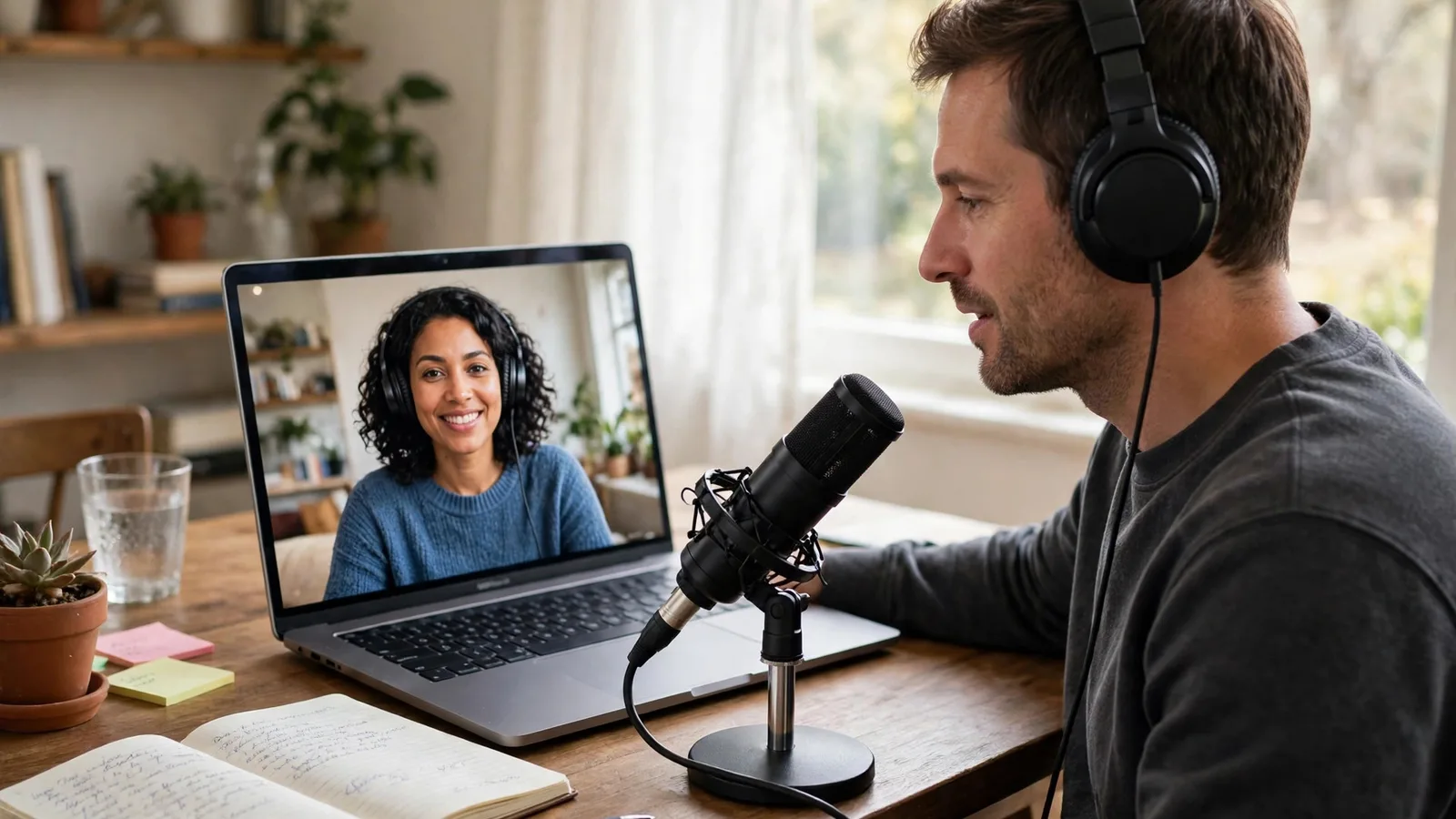
The email you send the day before
Keep the guest email short enough to read on a phone. Say when the check call happens and how long it takes. Ask for wired headphones, a quiet room with soft surfaces, a charged or plugged in laptop, and a restart before the call. Ask the guest to record 20 seconds of their own voice on the device they will use, reading anything aloud, and to send you the file. Guest side checklists add the same day of basics. Silence phones and notifications, close heavy apps, plug in power and headphones, join early, and test levels with one sentence.
That 20 second file is the heart of the whole check. It shows you the microphone the guest will actually use, the room echo, and the recording level, in the local quality the final file will have. Call audio hides all three, because the platform cleans and compresses the sound as it travels.
The five minute check itself
On the check call, work in a fixed order. Hear the test file first and name any fix while there is still a day to make it. Confirm the headphones are wired and worn, because playback through laptop speakers feeds your voice back into the guest microphone. Confirm the recording app or browser is set to the right microphone, since laptops default to the built in one. Agree the sync cue, a spoken count or one hand clap at the start, so the separate tracks line up in the edit. Then agree the ending rule. Nobody closes the tab or leaves the call until every upload bar has finished.
Record in two places at once. A local recording on each device is not affected by a dropped connection, while a call recording carries the compression and the dropouts of the call itself. VoiceEditSuite sets out three backup layers. The guest local file is the main copy. The platform recording is a second copy from a different path. A phone voice memo is an optional third copy for a session that cannot be repeated. Collect every file before any editing starts.
After the call
Download the guest file and your own file the same day and play the first minute of each. A file that exists is not a file that works. Store both with the episode date and the guest name, next to the release form and the show notes draft. If a track is unusable, a same week re-record is a request a guest can still say yes to. A month later it is an apology.
The guest who had a smooth check also had a smooth interview, and guests share that experience with other hosts. Podcaster Signal gives guests a public profile that lists the shows they have been on, so the appearance you record well becomes a credit the guest can point to. The wider recording craft sits in How to Record a Remote Podcast Interview.
PODCASTER SIGNAL NEXT STEPSend the tech check email with your next guest booking, not the morning of the record. Then claim your free Podcaster Signal show page, where the finished episode and your guest credits build the profile other hosts check.
Claim or find your podcast at Podcaster Signal
Frequently asked questions
When should I run a podcast guest tech check?
A day or two before the interview, as a short separate call. A check run five minutes before recording finds problems with no time left to fix them. A day early turns the same problems into small errands like finding headphones or moving rooms.
What should I ask my guest to send before we record?
A 20 second test recording made on the guest device, read aloud in the room they will record in. The file shows the real microphone, the room echo and the recording level in local quality, which call audio hides.
Why does my guest need headphones for a remote interview?
Playback through laptop speakers feeds the host voice back into the guest microphone, and that bleed stays in the track. Any wired headphones stop it, because the host voice then reaches only the guest ears.
How many recordings should I keep as backups?
Three layers at most. The guest local file is the main copy, the platform recording is a second copy from a different path, and a phone voice memo is an optional third copy for a session that cannot be repeated.
What do I do right after the recording ends?
Keep everyone on the call until every upload finishes, then download both files the same day and play the first minute of each. A file that exists is not a file that works, and a same week re-record is far easier to ask for than a later one.