Pops, Hiss and Mouth Clicks: How to Stop the Three Noises That Make a Podcast Sound Amateur
Pops on P sounds, hiss on S sounds and clicks from a dry mouth ruin more home recordings than bad mics. Stop them at the mic and fix what is left.
By Podcaster Signal · Published 2026-11-11
QUICK ANSWERThe three noises are plosives, sibilance and mouth clicks. Plosives are the pops on P and B sounds, caused by a puff of air hitting the mic. Sibilance is the sharp hiss on S sounds. Mouth clicks are the small ticks from a dry mouth. All three start at the microphone, so fix position first. Put the mic off to the side at about 45 degrees, six to eight inches from your mouth, with a pop filter between you and the capsule. Drink water before and during recording to cut clicks. What still gets through can be softened in editing, and clicks are the easiest of the three to repair.
Plosives, the pop on P and B
A plosive is a burst of air. Words that start with P and B push that air straight out of your mouth, and if the mic sits in the path it records a low thump that no amount of polish fully hides. Riverside's help center names the same family of sounds, P, B, C, K, Sh and Ch, as the ones that distort or spike in home recordings.
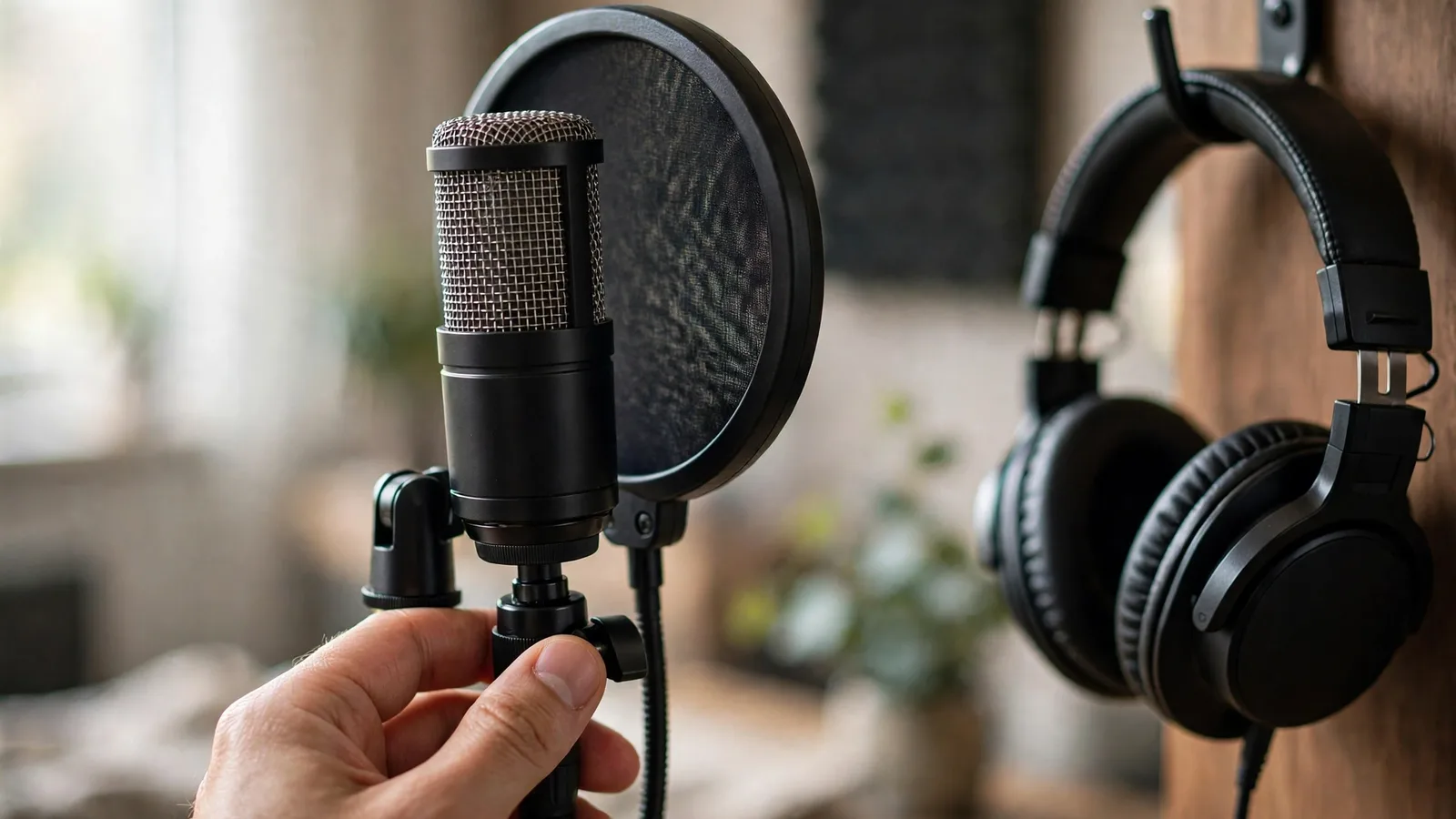
The fix is angle and distance. Move the mic to the side of your mouth, around 45 degrees, so the air passes beside the capsule instead of into it. Keep six to eight inches of space. Add a pop filter or a foam windscreen, which breaks the puff up before it lands. Then test with the worst sentence you can write, full of P and B words, and listen back on headphones before the real take.
Sibilance, the hiss on S
Sibilance is the piercing edge on S, Sh and Ch sounds. Some voices carry more of it, and close mic work makes it worse, because the mic hears the hiss at full strength while a listener across a room would not. Backing off a few inches and turning the mic slightly away from the direct line of your mouth takes the edge down at the source.
In editing, the tool is a de-esser, which turns down only the narrow band where the hiss lives, only at the moments it spikes. Use it gently. A heavy de-esser makes a voice sound like it has a lisp, which is a worse fault than the hiss. If every S still cuts through after a light pass, the real problem is position, and the next episode is where you fix it.
Mouth clicks, the dry mouth problem
Clicks and lip smacks come from a dry mouth. Saliva thickens, the tongue and lips stick and release, and a close mic picks up every tick. Coffee and dairy make it worse for many speakers. Water is the working fix, before the session and in sips during it. Some hosts keep a slice of green apple at the desk, a studio habit that helps the mouth stay loose. Keep your mouth a little more open as you speak and slow down at the start of sentences, where clicks gather.
Clicks are also the most repairable of the three in editing. Descript sells a dedicated mouth click removal tool, and most audio editors carry a declicker in their repair tools. Run it before compression and loudness work, because a compressor will lift small ticks up toward the level of the voice.
The order to work in
Position first, because it prevents all three noises at once. Water second, because it costs nothing. Repair tools last, on what is left. Record a thirty second test with your hardest sentences, one packed with P and B words, one packed with S words, and listen on headphones. If the test is clean, the episode will be. This is also the advice to hand a guest before a remote record, in two lines, with a note to sit a hand span from the mic and keep a glass of water in reach.
Clean audio is the cheapest trust a show can earn. Listeners forgive a plain room and a basic mic. They stop forgiving a voice that pops, hisses and clicks through every sentence, because it makes the show hard work to hear. More production answers for working podcasters sit on the Podcaster Signal blog.
Frequently asked questions
What causes the popping sound on P words in a podcast?
A plosive. P and B sounds push a puff of air out of the mouth, and a mic sitting in that path records it as a low thump. Move the mic to about 45 degrees off to the side, keep six to eight inches of distance, and use a pop filter or foam windscreen.
How do I reduce hissy S sounds in a recording?
Back off the mic a few inches and turn it slightly away from the direct line of your mouth to cut sibilance at the source. In editing, use a de-esser on a light setting. Heavy de-essing causes a lisp effect that sounds worse than the hiss.
Why does my mouth click when I record, and how do I stop it?
Clicks come from a dry mouth. Thickened saliva makes the tongue and lips stick and release, and a close mic hears every tick. Drink water before and during the session, go easy on coffee beforehand, and speak with your mouth a little more open.
Can mouth clicks and pops be fixed after recording?
Clicks repair well. Most editors carry a declicker and Descript offers a dedicated mouth click removal tool. Pops and harsh sibilance can be softened but rarely erased, which is why mic position matters more than any repair tool.
How far should the microphone be from my mouth?
Six to eight inches is the working range for most home setups, with the mic angled about 45 degrees to the side. Test with sentences full of P, B and S sounds and judge the result on headphones before recording the episode.